Canva Keywords PDF: Design Faster, Look Better
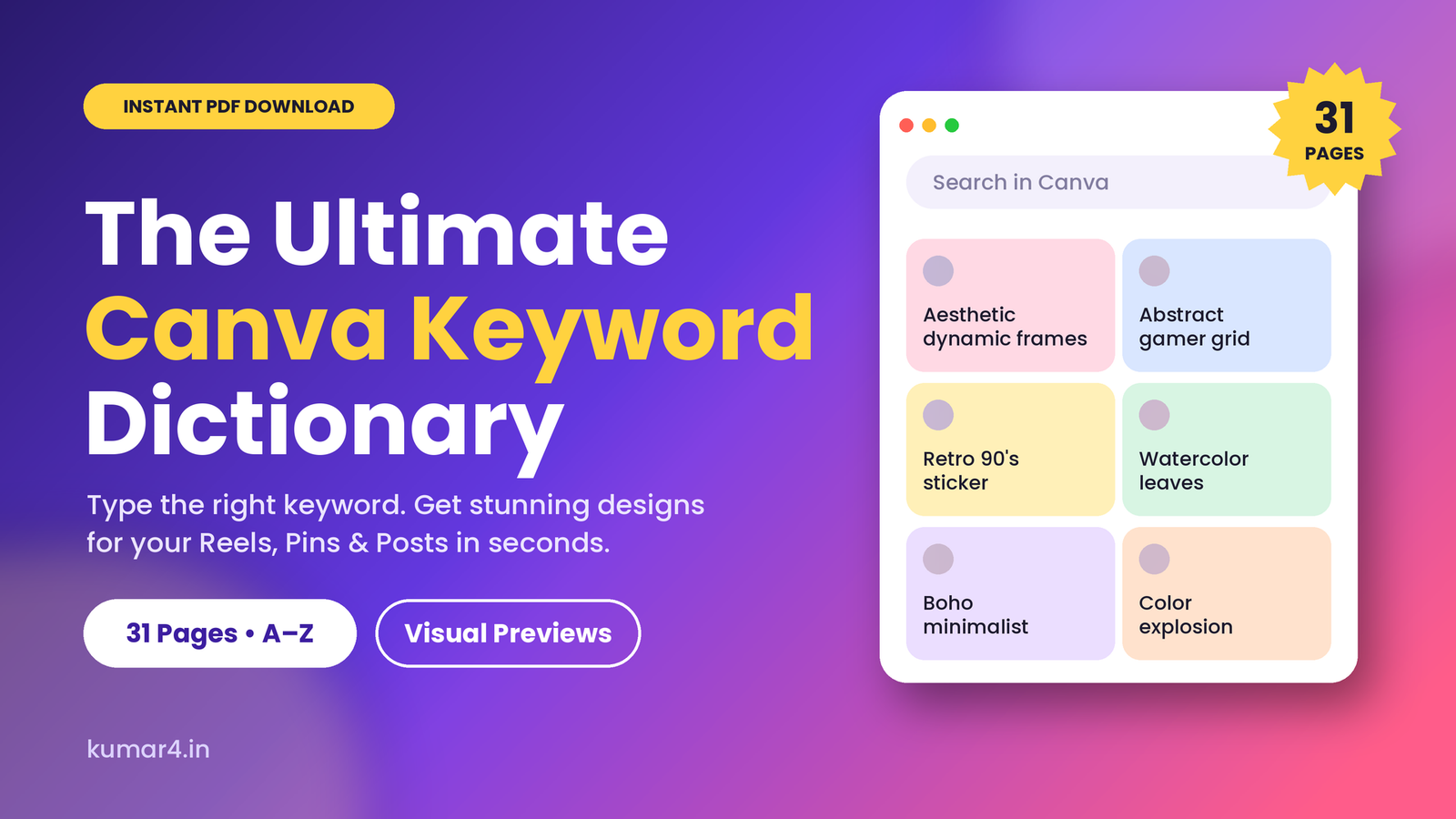
Tired of boring Canva search results? The Ultimate Canva Keywords PDF shows exactly what to type to unlock aesthetic elements, animations and graphics in seconds.
Why Canva Search Gives You Boring Results
Most people search Canva with broad words like “background”, “frame” or “sticker”. Broad words return broad results: thousands of generic elements ranked by popularity, not by style. The elements that make a design feel special are usually hiding behind more specific, style-based keywords.
Here is what happens when you do not know those keywords:
- You waste hours scrolling through results that do not match your vision.
- Your designs look like everyone else’s because you are choosing from the same top results.
- You give up on a good idea because you cannot find the right element.
Content creators feel this the most. If you post Instagram Reels, design Pinterest pins or make promotional creatives every week, a few wasted minutes per design add up to hours of lost time every month.
What Is the Ultimate Canva Keywords PDF?
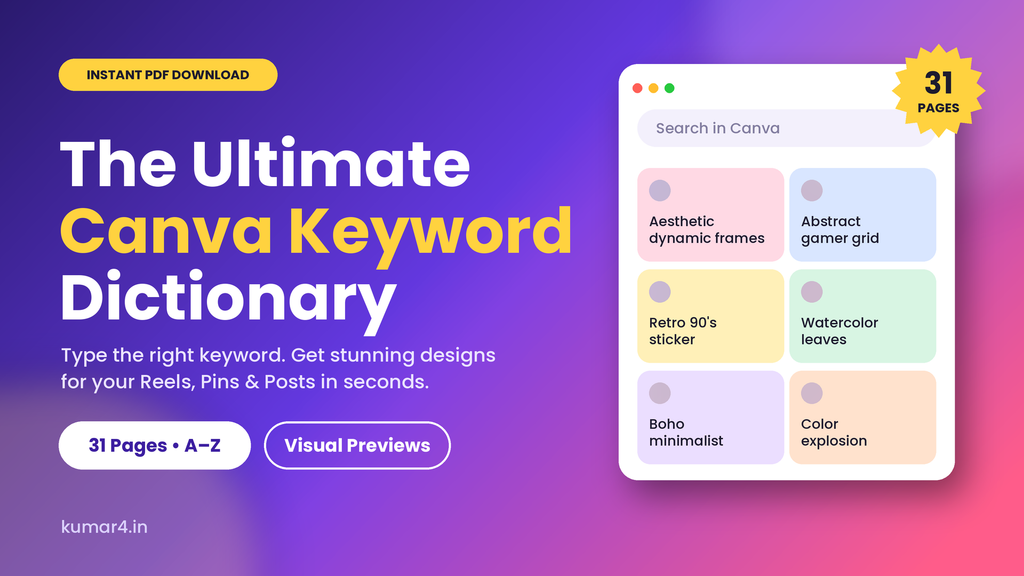
The Ultimate Canva Keyword Dictionary is a digital PDF guide that organizes useful Canva search keywords in an A–Z format. Every keyword is shown with a visual preview, so you can see the style at a glance and pick what fits your design.
Instead of guessing and trial-and-error, you simply flip to the style you want, copy the keyword and paste it into Canva’s Elements search.
What Is Inside the Canva Keywords PDF
- 31 pages of keywords arranged alphabetically for quick scanning
- Visual previews beside each keyword so you know what to expect
- Many design styles, including aesthetic, abstract, boho, retro, 3D, watercolor, brutalist and animated looks
- A bonus Brand Elements section to speed up your workflow
- Instant PDF download with lifetime access
Example Keywords You Will Find
The dictionary covers creative combinations that go far beyond basic searches. A few examples of the style of keywords included:
- Aesthetic dynamic frames
- Abstract gamer grid
- Retro 90’s sticker
- Watercolor leaves
- Celestial mandala
- Color explosion
- Bold minimalist
- Camping rustic drawing
- 3D character illustration
- Animated pride typography
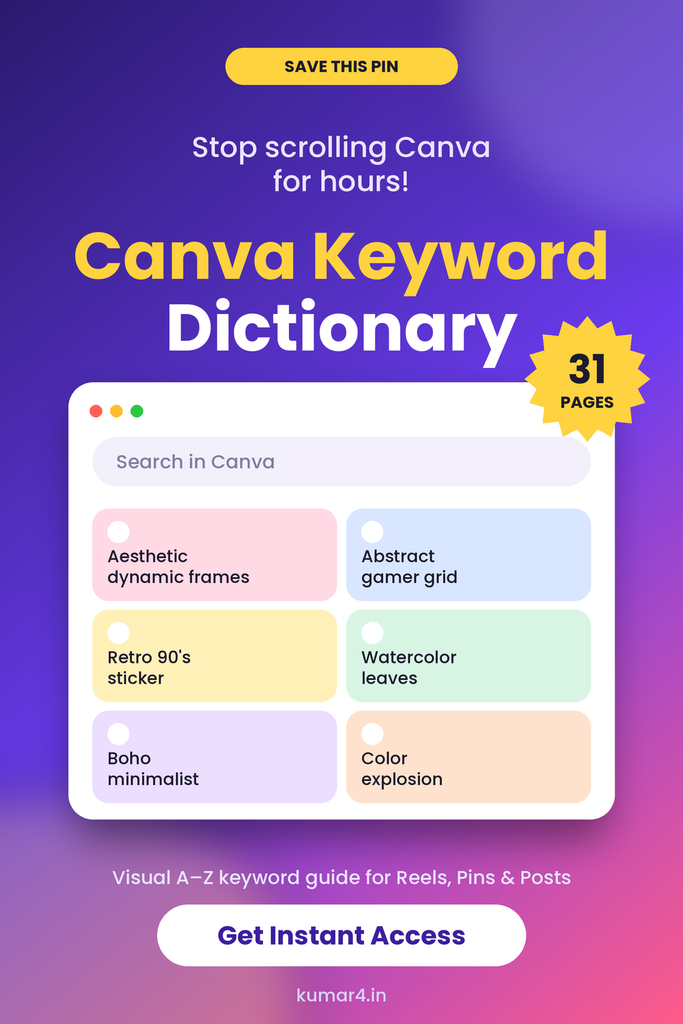
These kinds of descriptive keywords help you reach elements that a plain search would bury.
How to Use Canva Keywords PDF Step by Step
Using the dictionary is simple, even if you have never designed anything before.
Step 1: Decide the Look You Want
Start with the mood of your design. Do you want soft and boho, bold and retro, or clean and minimalist? Knowing your style makes it easier to pick the right keyword.
Step 2: Find the Keyword in the PDF
Open the dictionary and go to the right letter or style. Check the preview image to confirm it matches your idea.
Step 3: Paste It Into Canva
Open your design in Canva, go to the Elements tab, and paste the keyword into the search bar. Browse the results and drag the best ones onto your canvas.
Step 4: Mix and Match
Combine two or three keyword styles, such as a retro sticker with watercolor leaves, to create a look that is unique to your brand.
A Quick Tip for Faster Designing
Save your favorite keywords in a note on your phone or computer. Over time you will build a personal style library and design even faster.
Who Should Buy This Canva Keywords PDF?
Instagram Creators and Reel Makers
Eye-catching covers, text overlays and story graphics help your content stop the scroll. The right keywords give your Reels a polished, consistent look without hiring a designer.
Pinterest Pin Designers
Pinterest is a visual search engine, and strong pin design earns saves and clicks. Aesthetic elements help your pins stand out in a crowded feed.
Affiliate and UGC Marketers
If you promote products or deals, scroll-stopping creatives make a real difference. Quickly find elements that match each product and campaign.
Beginners With No Design Skills
You do not need design experience. If you can copy and paste, you can use this guide to make designs that look professional.
Benefits of Using a Canva Keywords PDF
Save time. Stop scrolling for hours. Find the element you want in seconds instead of minutes.
Stand out. Reach elements and styles that most people never search for, so your content does not look like everyone else’s.
Stay consistent. Reuse the same keyword styles across posts to build a recognizable brand look.
Learn how Canva search works. Once you see how descriptive keywords change results, you start inventing your own combinations.
Get lifetime value. One download works for every Reel, pin, post and carousel you create from now on.
Canva Keywords vs Canva Templates: What Is the Difference?
Templates give you a ready-made layout that thousands of other people may also use. Keywords give you the building blocks to create your own design from scratch. This guide is not a template pack. It is a keyword resource that helps you find better elements again and again, which makes your designs more original.
Frequently Asked Questions
Do I need Canva Pro to use these keywords?
No. The keywords work in Canva’s regular search. Some elements in Canva are available only with Pro, but many are free, so you can start with the free ones.
How do I receive the Canva Keyword Dictionary?
It is a digital PDF. After payment on SuperProfile you get instant access to download it. Nothing is shipped.
Is this a template pack?
No. It is a visual keyword guide that shows you what to search for in Canva so you can design your own creatives.
Can I use it for Instagram and Pinterest designs?
Yes. The keywords help you find elements for Reels, pins, posts, carousels, stories and any other format you design in Canva.
Is it suitable for beginners?
Yes. The alphabetical layout and visual previews make it easy to use even if you have never designed before.
Can I get a refund?
Because this is an instant digital download, sales are final. If you face any access problem, contact the seller for help.
Get Your Copy of the Canva Keyword Dictionary
Stop wasting hours searching Canva. With 31 pages of visual keyword previews, you can find the right elements in seconds and make every Reel, Pin and post look more polished.
Buy the Canva Keyword Dictionary on SuperProfile, get instant PDF access and start creating scroll-stopping designs today. Kumar@4
#CanvaKeywords #CanvaTips #CanvaTutorial #CanvaHacks #CanvaForBeginners #CanvaElements #AestheticDesign #ContentCreator #InstagramReels #PinterestTips #DigitalProducts #GraphicDesignTips

Digital marketer from Hyderabad. Writing about Telugu cartoons, Ai and tech news at kumar4.in.